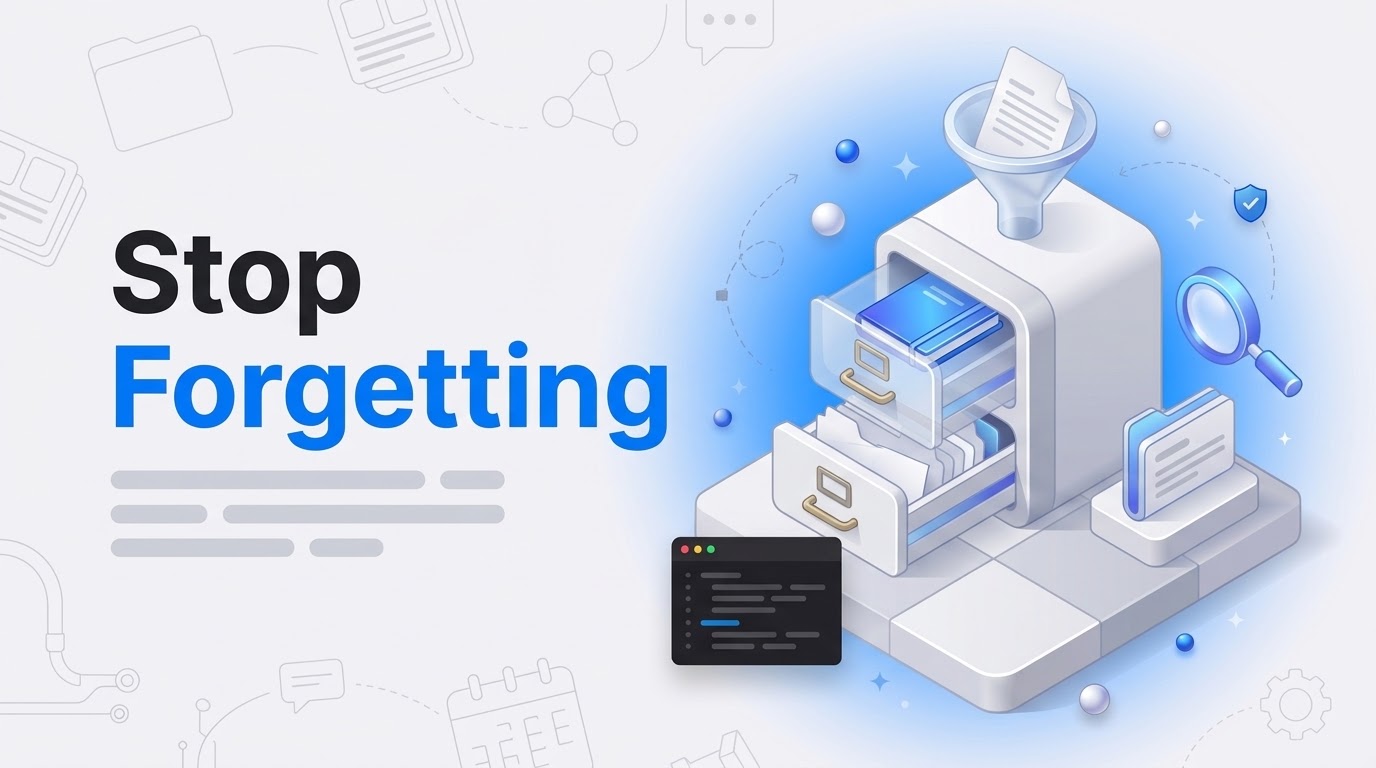
Most developers treat ChatGPT or Claude like a disposable calculator. You open a chat, explain the project, get a result, then throw the context away. It is like hiring a senior engineer who gets a lobotomy every Friday afternoon: every Monday you explain the codebase again from scratch.
The standard advice is RAG, retrieval-augmented generation. RAG is useful, but it is transient. It re-derives knowledge from scratch on every single query, so nothing accumulates. What you want instead is a persistent AI Context Layer, an artifact that gets richer every time you add to it.
Why your workflow needs an AI context layer
Andrej Karpathy proposed a pattern he calls “LLM Wiki,” a personal wiki that an LLM maintains for you. It shifts the work from retrieving to compiling. Instead of searching through 5,000 Slack messages, the AI keeps one structured directory, and that directory is your source of truth.
I have watched teams burn hundreds of hours on context debt. Your AI does not know about the vendor you ruled out last month, so it suggests that same vendor again. An AI Context Layer fixes this by synthesizing the information before you ask a question.
The architecture: Raw vs. Wiki
The core structure is a simple directory tree, but the rules for the folders have to be absolute or the system drifts. This is the layout I use:
vault/
├── CLAUDE.md            ← The Schema: Entry point for any AI
├── Raw/                 ← Immutable Source (Append-only)
│   ├── Meeting Notes/
│   └── Slack Exports/
└── Wiki/                ← LLM-Generated Structured Knowledge
    ├── Projects/
    ├── Decisions/
    └── _hot.md          ← Active Cache
The Raw/ folder is the landing zone. It holds transcripts and documents, and the AI reads from Raw but never writes to it. The Wiki/ folder is where the AI does the bookkeeping, one file per project or person. If the Wiki gets corrupted, you rebuild it from Raw.
The three control files
A folder of markdown files is not a system yet. Three files do the actual work:
- _hot.md is the cache, capped at 500 tokens, holding the most active threads and the urgent deadlines. The AI reads it first when a session starts.
- _pending.md is the queue. Every new file that lands in Raw gets appended here, which is what stops files from being orphaned.
- _log.md is the audit trail. Every automated run adds a timestamp, so when the context drifts you can see where it went wrong.
Automation and ingestion cadence
You cannot keep this up by hand. You will get bored and quit. So you need a runner, and the maintenance splits into three cadences. This is close to how we handle AI workflow automation in more complicated environments.
The Daily Ingest is purely mechanical. It pulls Slack messages or emails into Raw/ and leaves the Wiki alone. The Weekly Compilation is the interpretive one: it reads _pending.md, updates the Wiki, and builds cross-references. The Monthly Lint scans for contradictions and stale pages.
Splitting the jobs is what keeps your data from getting corrupted. The daily run is fast and safe. The weekly run is slower and costs more, but it provides the synthesis that RAG misses.
If this context layer work is eating your dev hours, I can take it on. I have been wrestling with WordPress and custom integrations since the 4.x days.
What you get once the context sticks
When the context persists, your AI stops starting from zero and you stop re-explaining. You ask “what should I prioritize today?” and it reads _hot.md and answers from what is actually in the vault. The pattern comes from Andrej Karpathy’s LLM Wiki gist. The folder travels with you, the files are just text, and you only have to set it up once.


