Anyone running Claude Code or a similar agentic tool hits the same wall: one working directory. You start a refactor, watch the stream come in, and realize you can’t touch a file without setting off a race condition between you and the model. Git Worktrees fix that, and they carry a setup tax most posts about them skip over.
One directory, one train of thought
A working directory holds one state of the project, and that’s a physical limit rather than a preference. So if the agent is halfway through a refactor on feature/checkout-api and you drop in a quick fix on main, something has to give. Checking out a branch rewrites the files on disk. Git either refuses because the tree is dirty, or it succeeds and the agent’s world quietly changes underneath it. I have watched an agent revert my own commits without any fuss, because they didn’t match the context it started the session with. That isn’t a hallucination, it’s a file system collision.
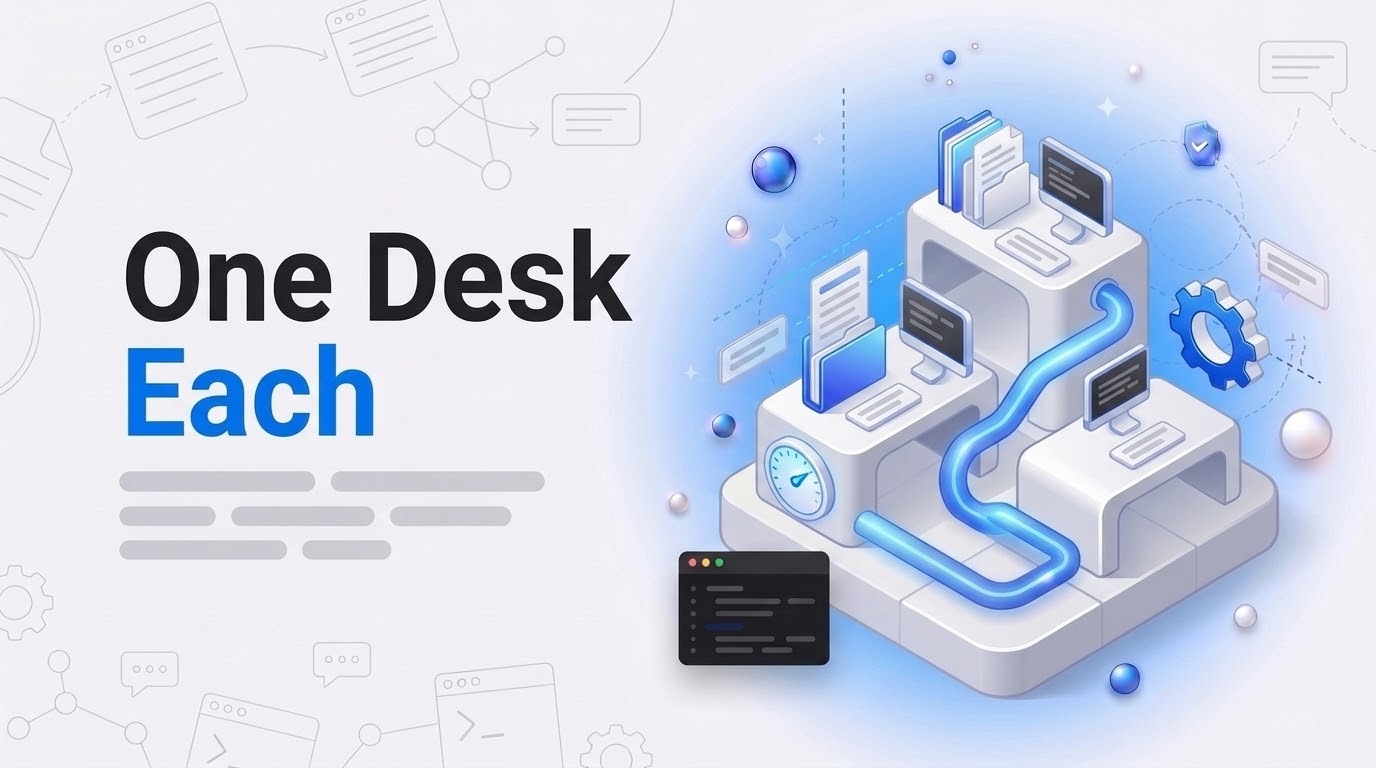
Better prompting doesn’t help here. The agent needs its own desk, which is what a worktree is: a second working directory pointed at the same repository database, pinned to a different branch.
How Git worktrees solve parallelism
Cloning the repo a second time wastes disk and leaves you juggling remotes, so use git worktree instead. It makes a new folder, checks out a branch there, and shares the .git history with your main directory. A commit in one shows up in the git log of the other right away, while the files on disk stay separate.
# Create a dedicated desk for your AI agent
git worktree add .worktrees/agent-refactor -b feature/refactor-logic
Your editor stays open in the main folder while the agent works inside .worktrees/agent-refactor, and neither of you touches the other’s files. Claude Code added a first-class --worktree flag (-w for short) that creates the directory and launches the session in one step. On the wider question of keeping a repo tidy, there’s my guide on WordPress GitHub Repositories.
The setup tax nobody warns you about
Here is the part nobody mentions: a new worktree is a clean slate, so everything listed in your .gitignore simply isn’t there. On a modern WordPress or WooCommerce project that means:
- No node_modules/ or .venv/, so every worktree starts with a reinstall.
- An empty .env, and the app won’t boot without the secrets that were in it.
- Port collisions, because two worktrees both binding
:3000will fight over it.
Spend five minutes bootstrapping a worktree for a ten-minute task and you’ll stop using worktrees. So the setup has to be scripted: git worktree add, copy the environment files across, then derive a port offset from a hash of the directory path so nothing collides.
Automating the agent’s desk
I keep that logic in a bash script, wt-setup.sh, and expose it to the agent as a custom skill. It’s the same split I use for AI in WooCommerce workflows: boring deterministic scripts for the mechanical setup, model reasoning for the branching and the logic.
#!/bin/bash
# A senior dev's lazy way to bootstrap a worktree
BRANCH_NAME=$1
DIR=\".worktrees/$BRANCH_NAME\"

git worktree add $DIR -b $BRANCH_NAME
cp .env $DIR/.env
cd $DIR
npm install # Or wp-env start
echo \"Worktree ready at $DIR\"
Once the agent pays the setup tax instead of you, the job changes shape. You split the work into sub-branches, start a worktree for each, and spend your time reviewing the pull requests that come back. That’s the part that scales, and it’s the only version of this I’ve run without drowning in merge conflicts.
If wiring worktrees up for your agents is eating hours you don’t have, I can take it on. I’ve been working with WordPress since the 4.x days.
The short version
You and your agent can’t share a desk. Give each branch its own directory and the collisions stop being your problem. The official Git documentation covers the command in full, and the Claude Code CLI reference has the flag. Fewer branch switches, more windows open.


