WordPress.com just shipped two weeks’ worth of features, and if you’ve been following the core repository, you know it’s more than surface polish. These WordPress.com Updates push hard toward local-first development and AI in the everyday workflow. Studio Blueprints and the new Mac Workspace app in particular suggest the line between “managed hosting” and “local IDE” is blurring faster than I expected.
Native podcasting via Jetpack
For years, running a podcast on WordPress meant fighting with third-party hosting or heavy plugins that often bloated the wp_options table. So the new Jetpack Podcast integration is a welcome cleanup. It lives right in the sidebar at Jetpack → Podcast.
On a Premium plan you get native audio hosting and an Episode Player Block that actually behaves on the front end. The dashboard also gives you clean stats without the external tracking scripts that usually wreck your Core Web Vitals. If you missed it, I covered similar automation in the Telegram bot updates earlier this year.
WordPress Studio gets Blueprints
Technically, the most interesting of these WordPress.com Updates is the Blueprints Gallery in WordPress Studio (v1.9.0+). If you’ve set up a local environment by hand for the tenth time this week, you’ll see why. Blueprints are JSON recipes that use WordPress Playground to spin up pre-configured sites.
Here’s a simplified Blueprint so you can see the structure. It lets you define your stack before you even click ‘Add Site’:
{
  "steps": [
    {
      "step": "installPlugin",
      "pluginData": {
        "resource": "wordpress.org/plugins/jetpack"
      }
    },
    {
      "step": "setSiteOptions",
      "options": {
        "blogname": "New Project Alpha",
        "permalink_structure": "/%postname%/"
      }
    }
  ]
}
With these “recipes” you can skip the “White Screen of Death” that often shows up when you import a legacy database into a fresh local install by hand. The official Blueprints documentation has the details.
AI workspace and site context
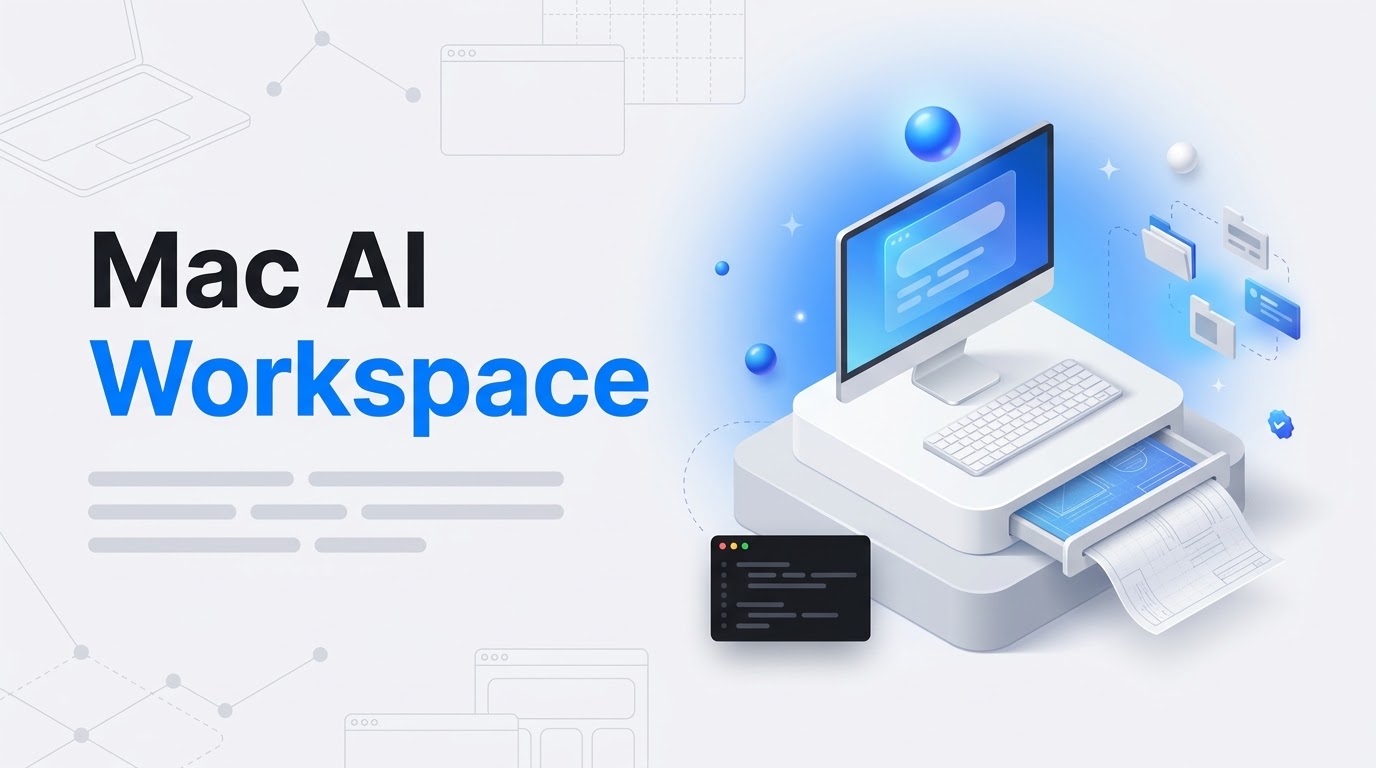
The new WordPress Workspace Mac app (beta) is more than a wrapper around the Gutenberg editor. It tries to pull site-wide context (audience data, archives, brand guidelines) into an AI-assisted workflow. That means the “WordPress Agent” can help you research and draft posts without you pasting in all the background info yourself.
On the subject of AI agents, I recently wrote about managing your site via MCP and what it means for power users. This Mac app brings a similar level of control to the desktop.
Activity log and security polish
On the maintenance side, the Activity Log has a new “Performed by” filter. It’s easy to overlook, but it helps a lot with debugging. When a client calls because checkout is broken, you can quickly see whether the action came from a specific user, a REST API call, or a system transient.
The WooCommerce mobile app also supports QR-code sign-ins now. Small quality-of-life fix, but it saves you typing a long 2FA password on a tiny keyboard.
If keeping up with WordPress.com updates is eating your dev hours, I can handle it for you. I’ve been working with WordPress since the 4.x days.
The takeaway
The real story is the move from manual configuration to “Blueprint-first” development. Whether you’re poking at the Konami code easter egg (↑↑↓↓←→←→BA) or using the WordPress Agent for actual research, the platform is heading toward a tighter local-to-cloud setup. Stop hand-rolling local environments and start using these JSON recipes. Your billable hours will thank you.


